Chats and groups
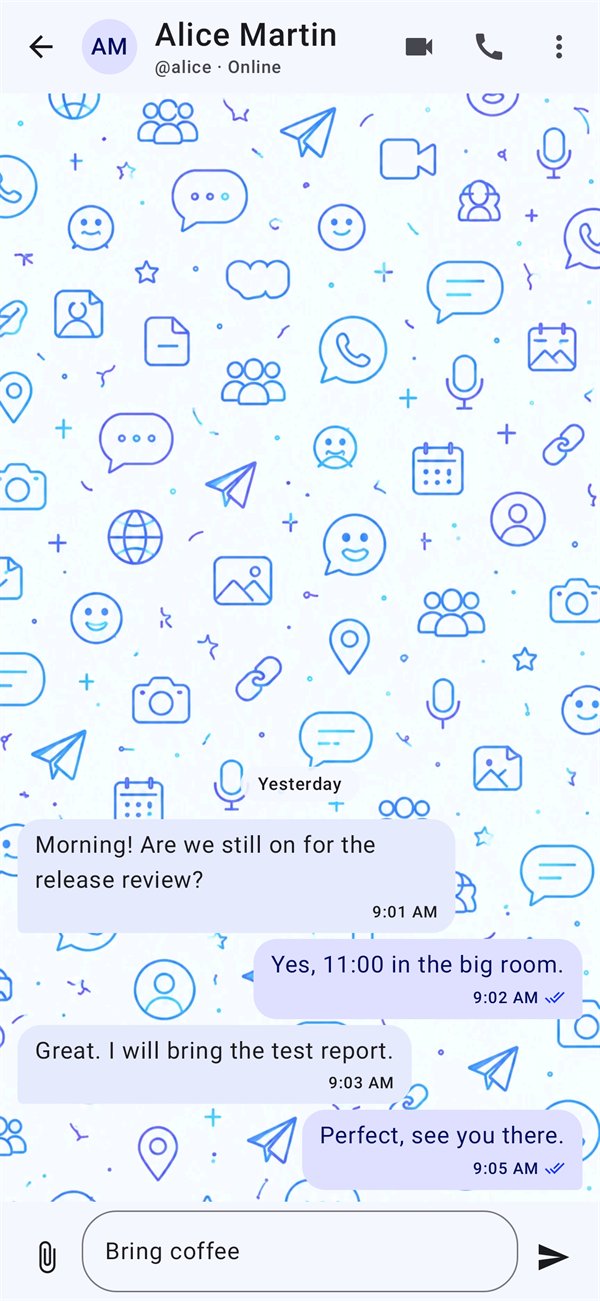
One-to-one and group conversations with read receipts, reactions, forwarding and search.
NEW Version 1.1 — call waiting, @usernames and Sign in with Google
Macliys Connect brings one-to-one and group chats, voice and video calls, photos and files together in one app. Everything goes through our own server at connect.macliys.com — not a third-party chat service — with no ads and no analytics.
For Android 8.0 and later.
Built for everyday work conversations — quick messages, shared files and calls that just ring.
One-to-one and group conversations with read receipts, reactions, forwarding and search.
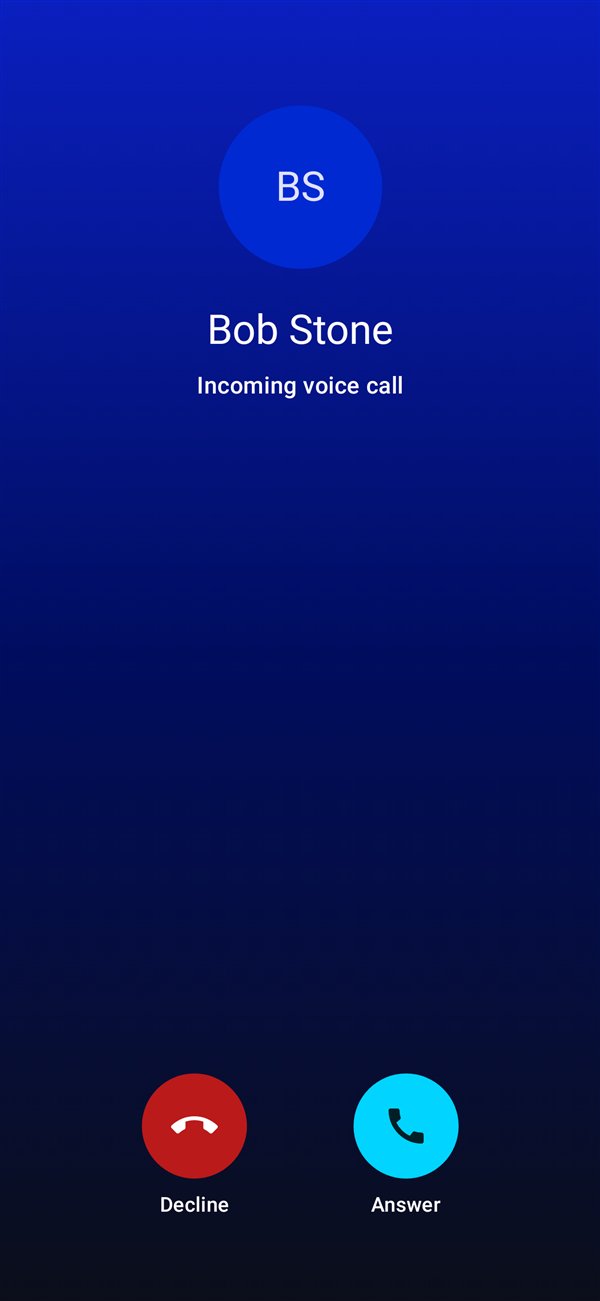
One-to-one calls encrypted between devices, relayed through our own servers when a direct path isn't possible.
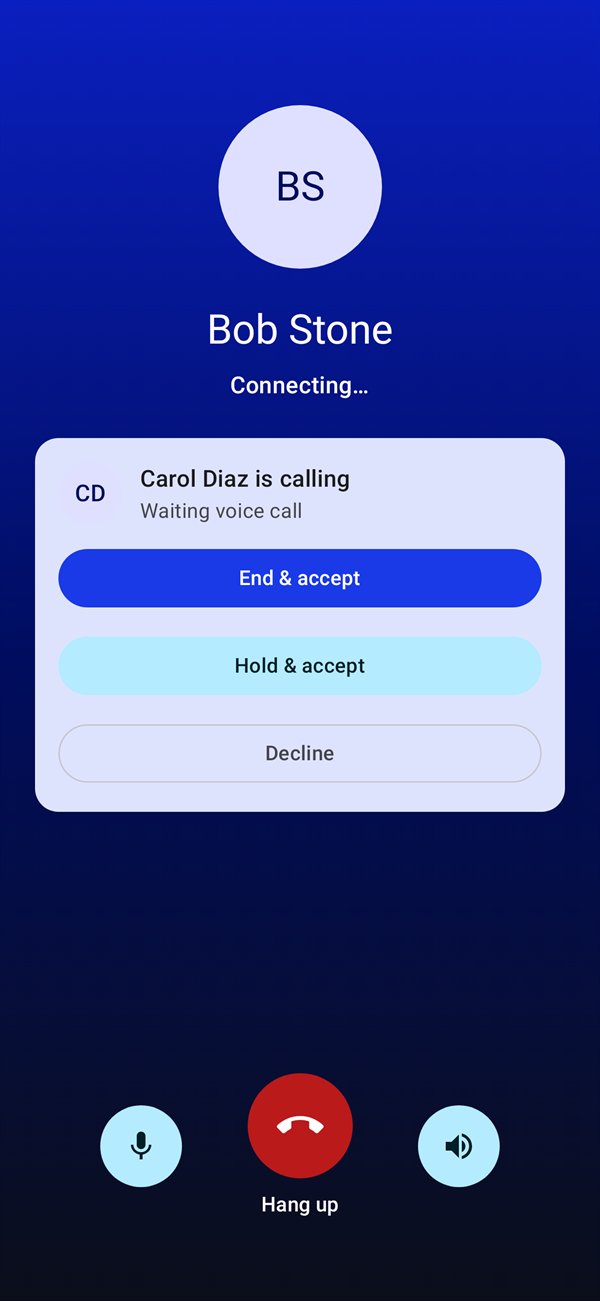
Take a second call without losing the first: end & accept, hold & accept, then swap between them.
Share photos, PDFs and Office documents (up to 25 MB). Every file is scanned for malware before delivery.
Find people by @username. Email addresses and phone numbers are never shown in search results.
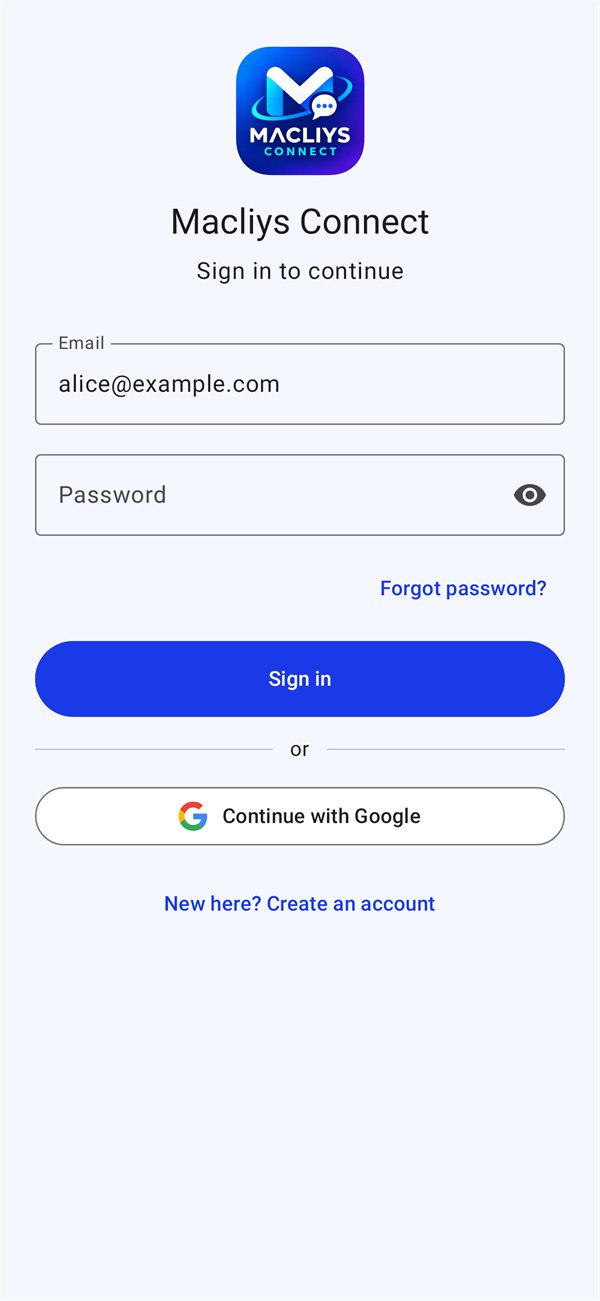
Email and password confirmed with a one-time code, or Continue with Google.
Write while you're offline — your messages are sent automatically as soon as you're back online.
The Macliys blue theme in light and dark mode, with a chat wallpaper you can switch off.
When someone calls while you're already on the phone, Macliys Connect shows who it is and lets you decide.
Register with your email address or with Google, pick a username, and you're ready to chat.
We run the servers, we don't sell data, and we tell you exactly what is stored.
All app traffic uses TLS 1.2 or newer. The app refuses unencrypted connections.
Call audio and video are encrypted between the two devices and are never recorded.
Messages, files and calls go through servers operated by Macliys in India — not a third-party chat service.
The app contains no advertising or analytics SDKs, and notifications never carry your message text.
Uploads are scanned for malware, and photos are re-encoded so hidden location data is removed.
Choose who sees your last seen and photo, turn read receipts off, block and report, and sign out remotely.
Download Macliys Connect for any phone running Android 8.0 or later.
Register with your email address and confirm it with the code we send — or use Continue with Google.
Choose the name people will find you by, add your contacts and start chatting.

Chat, call and share files with your team — on a service you can trust with your conversations.
Requires Android 8.0 or later.